Validate Sessions
Use Validate to check whether selected inspections meet applicable NASSCO compliance requirements.
Before You Begin
Confirm that:
- The correct sessions are selected.
- The sessions use a NASSCO template when validation is required.
- Required header and observation information has been entered.
Validate One or More Sessions
- Open Session Management.
- Select one or more sessions.
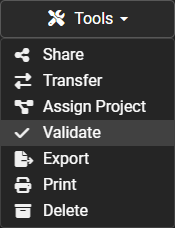
- Open the Tools dropdown.
- Select Validate.
- Wait for POSM Central to complete the validation check.
- Review the results.
Validation Results
A session may:
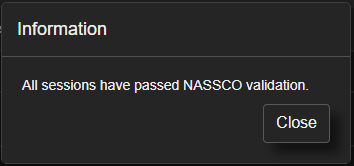
- Pass validation.
- Pass with warnings.
- Fail because required information is missing or invalid.
If validation identifies a problem, review the listed field or observation and correct it before validating again.
Note
Validation checks data compliance. It does not guarantee that every inspection observation or field entry is operationally correct.
Validation and NASSCO Export
NASSCO exports cannot be completed until the selected sessions pass the required NASSCO validation.
When validation fails, Central identifies the Session ID of the inspection that failed so the session can be located and corrected.
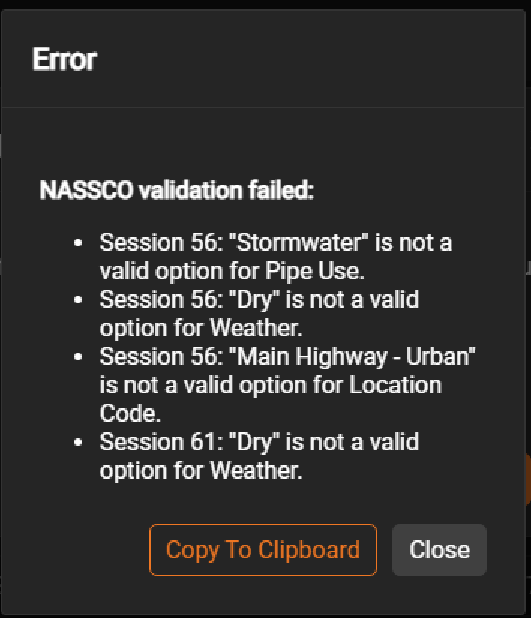
Correct the required header or observation information, validate again, and then retry the export.