Create a New Session
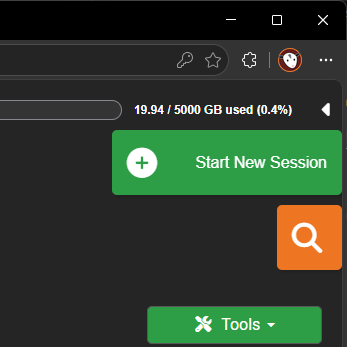
Use New Session to create a blank inspection directly in POSM Central.
Who Can Create Sessions?
Users must have the appropriate Edit or Admin permission.
View-Only users cannot create sessions.
Create a Session
- Open Session Management.
- Select New Session.
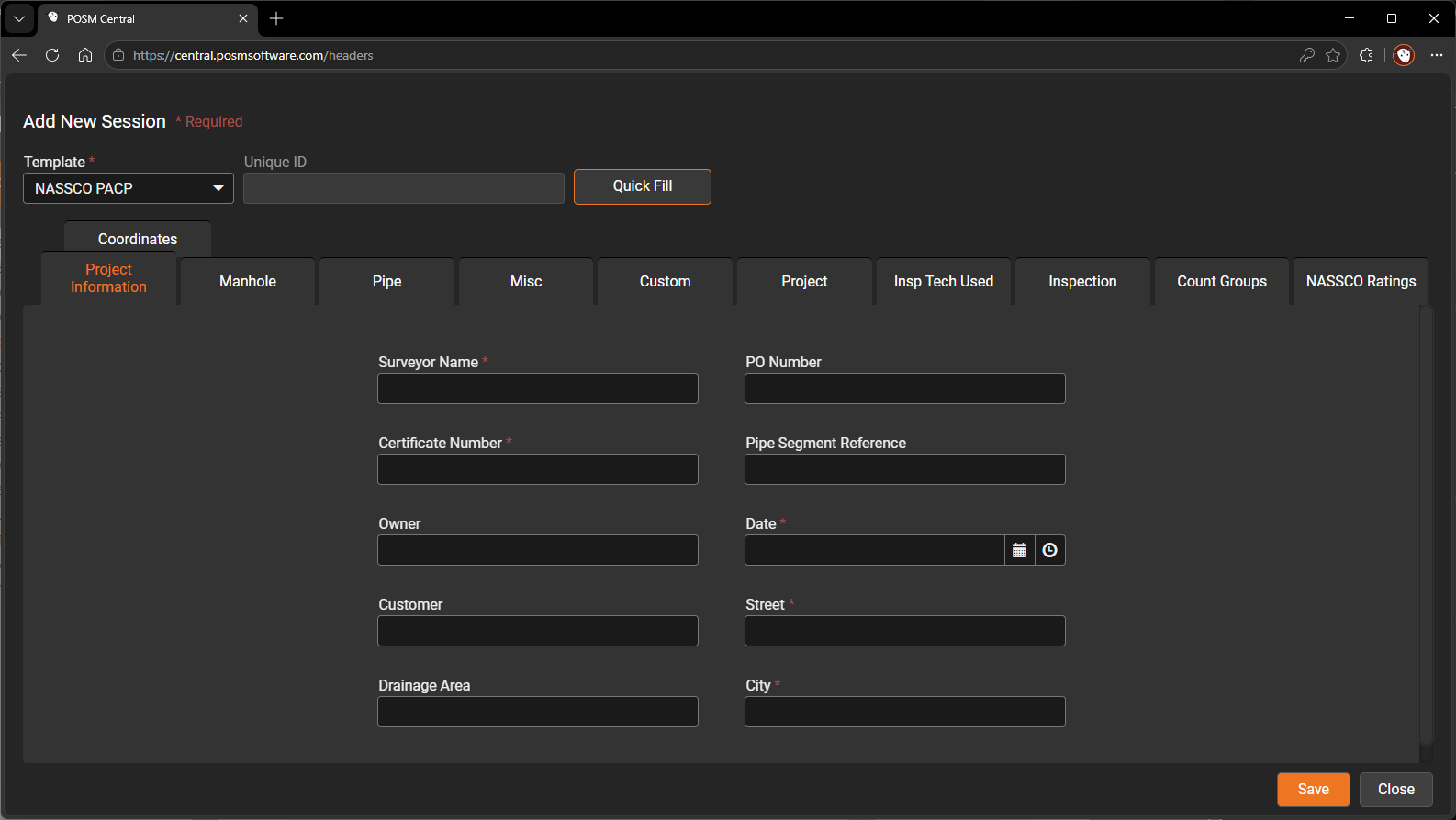
- Choose the appropriate inspection template, when prompted.
- Complete all required fields.
- Enter or select a project name.
- Review the session information.
- Select Save.
Required Fields
All required fields must be completed before the session can be saved.
If a required field is blank, POSM Central displays an error and does not create the session.
Create a New Project
Entering a project name that does not already exist automatically creates the new project.
The newly created session is assigned to that project.
After Saving
The new session appears in the Session Management list.
In Project View, it appears beneath the selected or newly created project.
Quick Fill
Quick Fill is intended to populate fields using information from the most recently created session.
Note
Quick Fill is still in development and its behavior may change.