All, Owned, and Shared Tabs
The Session Management screen separates inspections into three tabs:
- All Sessions
- Owned
- Shared
These tabs help users understand which inspections the organization owns and which inspections are available through sharing.
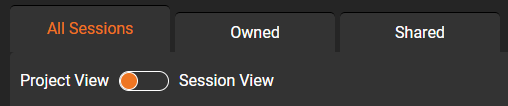
All Sessions
The All Sessions tab displays all inspections currently available to the organization.
This may include:
- Sessions owned by the organization.
- Sessions shared with the organization.
- Sessions the organization can view, download, or edit.
Use All Sessions when you want a complete view of the inspections your organization works with.
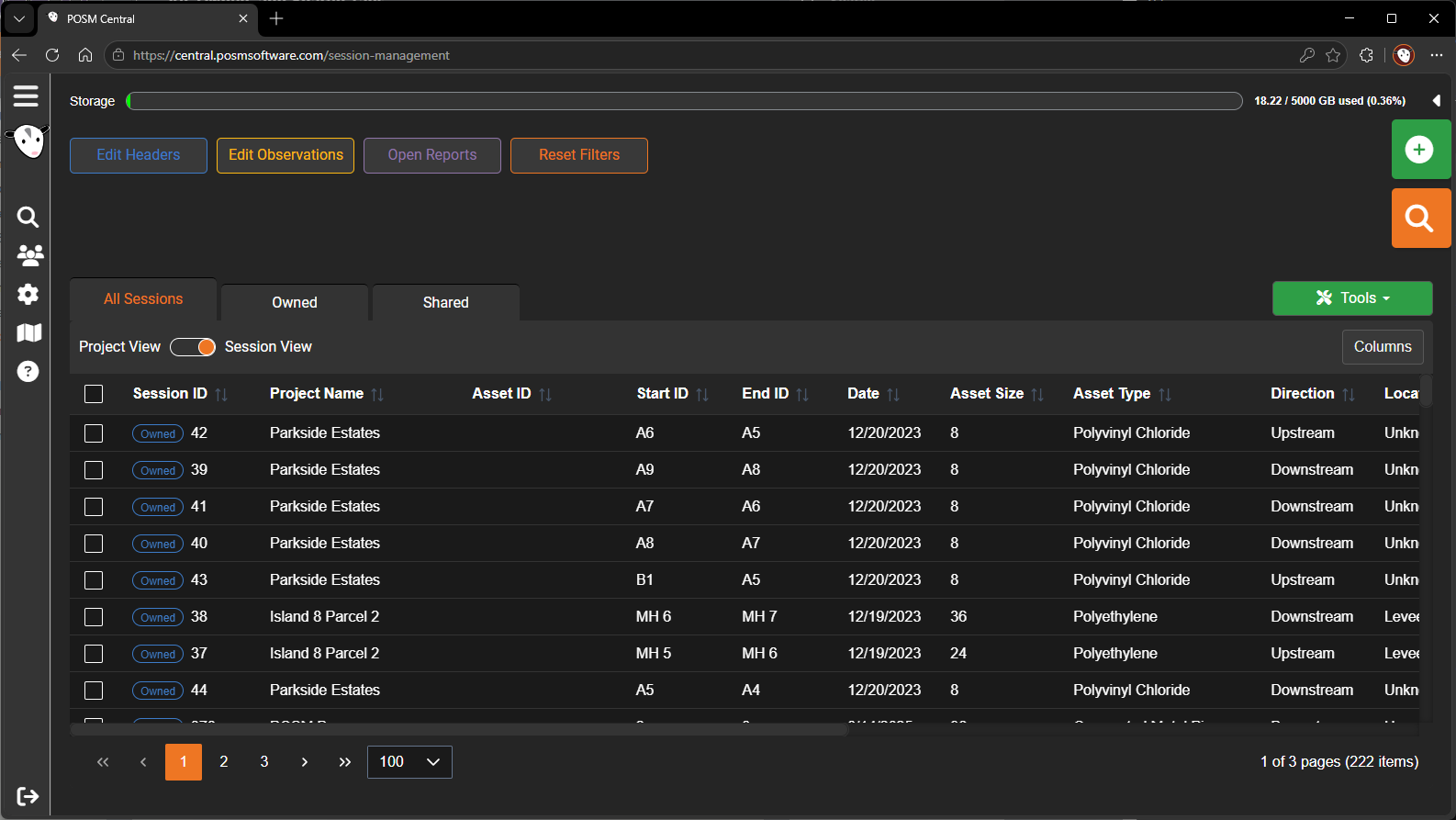
Owned
The Owned tab displays inspections owned by the organization.
Ownership affects which actions can be performed.
An organization that owns a session may be able to:
- Share the session.
- Transfer ownership.
- Assign or change its project.
- Validate it.
- Export it.
- Print its reports.
- Archive it, when that feature is available.
Shared
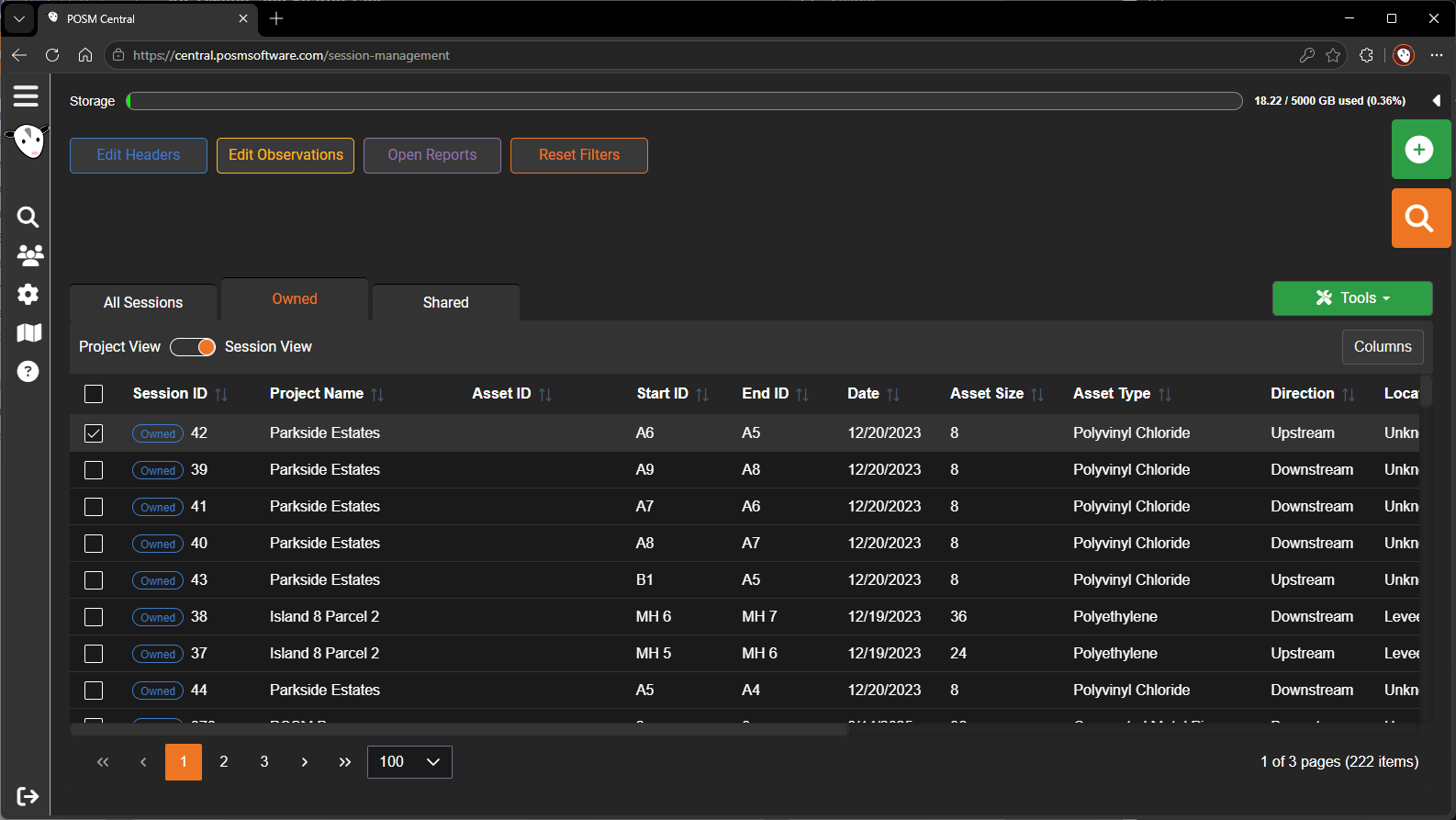
The Shared tab displays information about sessions that have been shared.
The shared list may show:
- Session information
- Date shared
- Inspection size
- Organization or recipient
- Access level
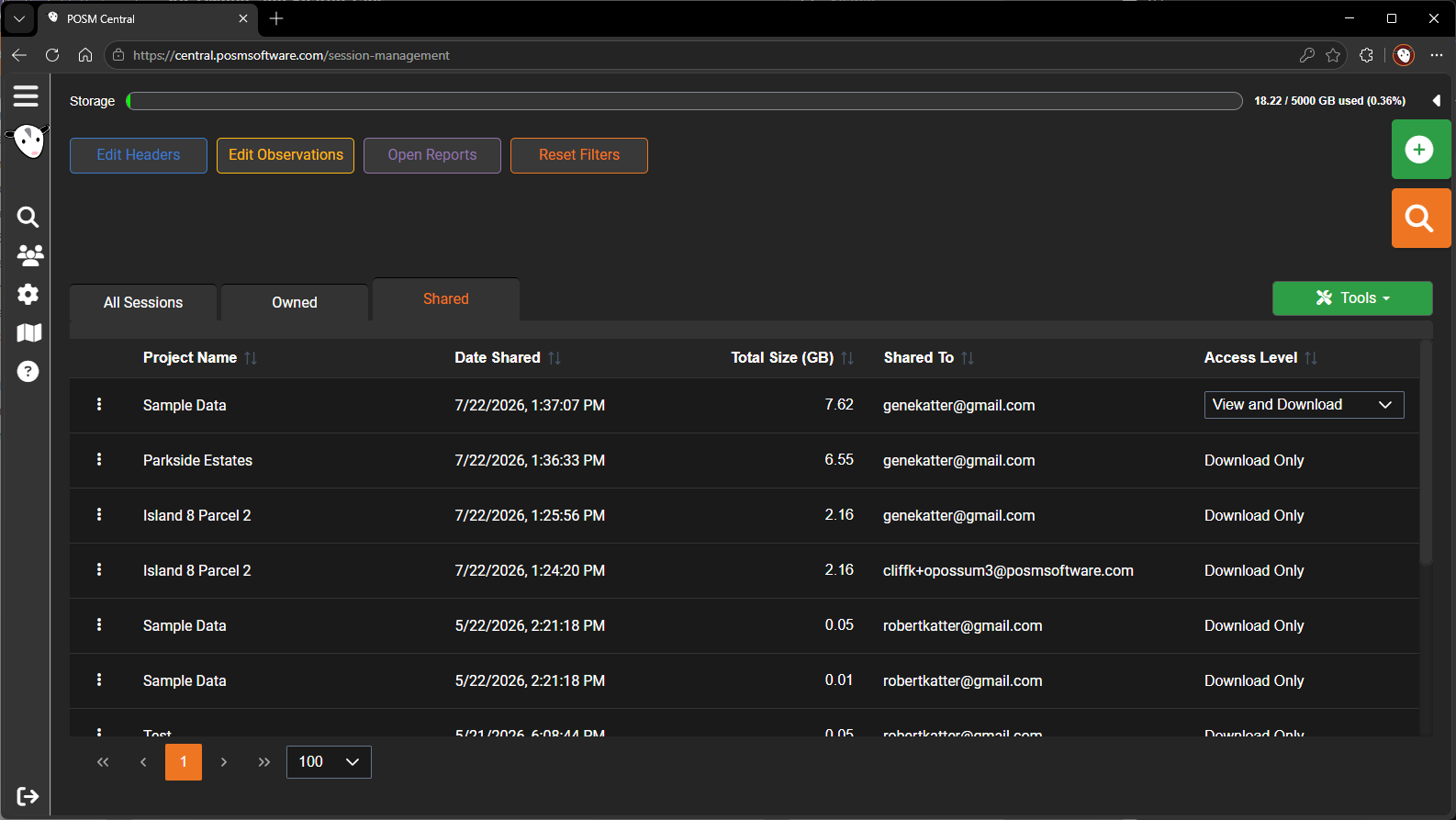
Access Levels
POSM Central supports several access levels for shared inspections.
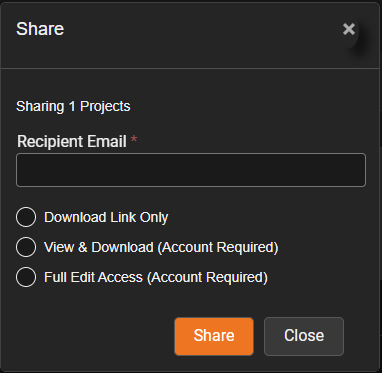
Download Link Only
The recipient receives a download link.
A POSM Central account is not required.
This option is useful when the recipient only needs a downloadable copy of the inspection.
View & Download
The recipient must have a POSM Central account.
The recipient can:
- View the inspection in POSM Central.
- Review reports, observations, images, and video.
- Download the inspection.
The recipient cannot fully edit the inspection unless a higher access level is granted.
Full Edit Access
The recipient must have a POSM Central account.
The recipient can:
- View the inspection.
- Download the inspection.
- Edit permitted inspection data.
Warning
Full Edit Access gives the receiving organization or user greater control over the shared inspection. Only grant this level when editing is required.
Sharing Does Not Change Ownership
Sharing allows another organization to access an inspection while the original organization keeps ownership.
To change ownership, use the Transfer action instead.